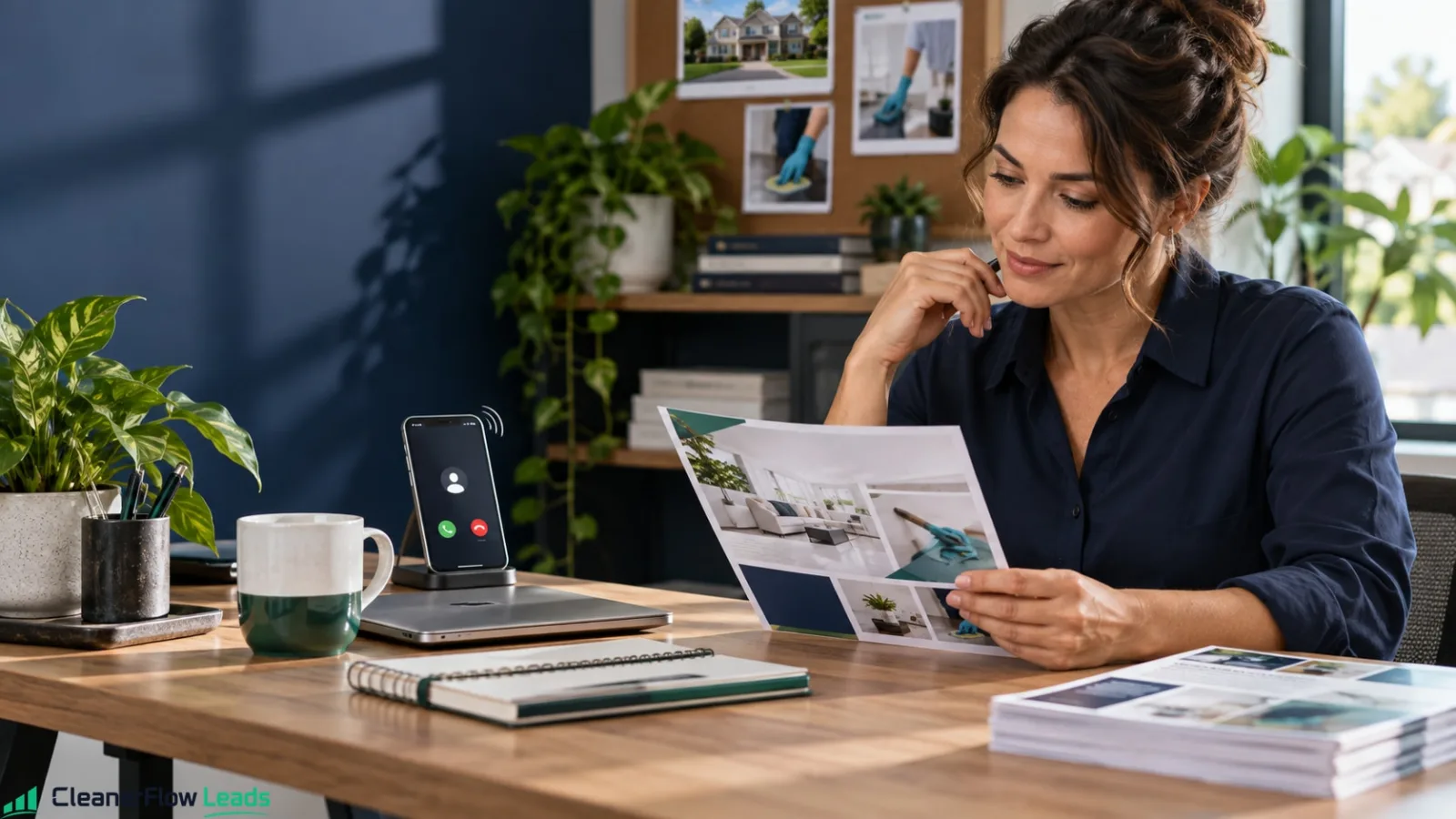
When someone types "house cleaner near me," Google doesn't show them a website first — it shows a map with a short list of local businesses, their photos, their star ratings, and their hours. Most people choose right there, from that box, often without clicking through to anyone's site. If you're not in that box, or your listing looks empty, you simply don't exist for that search. The good news: fixing that is free, and most of your competitors haven't bothered. This is how a cleaner turns a Google Business Profile into a steady source of work.
Why this is the highest-return free thing you can do
Local intent drives a huge share of search — roughly 46% of all Google searches are looking for something local (HookAgency). Those searchers overwhelmingly act on the map pack — the short list of businesses Google shows on the map — and a strong profile there gets chosen before anyone scrolls. Yet a large share of local businesses never fully claim or optimize their profile, which means simply doing it well puts you ahead of most of your competition at zero cost.
Step 1 — Claim and verify your profile
Go to Google Business Profile, search for your business, and claim it (or create it if it doesn't exist). Verify it — usually by phone, email, or video. Until it's verified, you can't control what shows, so do this first. Keep the login in an account that belongs to the business, not a personal email you might lose access to, so the profile stays yours as you grow.
Use your real business name
Use your real business name, not a keyword-stuffed version like "Best Cheap Cleaning Near Me." Google can suspend listings for that, and it looks amateur to customers. If you want the words "house cleaning" to appear, put them in your categories, services, and description — the places built for them. A clean, honest name is also easier to remember when a happy client wants to recommend you to a neighbor.
Step 2 — Fill out every field
An empty profile loses to a complete one every time. Add your phone number, hours, the services you offer with short descriptions, and a clear "from" price if you're comfortable. Completeness signals to Google that you're a real, active business — and it answers the exact questions a customer has before they call. Go field by field and don't skip the small ones: attributes, service descriptions, and your opening date all count.
Choosing your categories
Your primary category tells Google what you are, so choose it carefully: "House Cleaning Service" is the natural fit for most residential cleaners. Then add secondary categories only where they're true — "Cleaning Service," or "Commercial Cleaning Service" if you actually clean offices. Adding categories you don't really serve brings calls you'll have to turn down and confuses people reading the listing.
Step 3 — Photos do the selling
This is where most cleaners leave money on the table. Listings with photos get markedly more engagement — Google has reported that businesses with photos receive significantly more requests for directions and more clicks to their website than those without (Google / WordStream). Real photos beat stock every time — they prove the work is yours and build the trust a stranger needs before handing over a key.
Which photos to add — and what to leave out
Good photos for a cleaning profile:
- Before and after of the same spot — a stovetop, a shower, a sink.
- Finished rooms in good light, shot from the doorway.
- You or your team in work clothes, smiling, so people know who will show up.
- Your vehicle and gear, which signal an organized business.
What to leave out matters just as much. Ask the client's permission before posting anything from their home, and keep out house numbers, family photos, mail, and anything that identifies the address. Respecting privacy in your photos is itself a trust signal.
Step 4 — Win reviews, and keep them fresh
Reviews are the tiebreaker between you and the next cleaner on the map. The number matters, but so does recency — a profile that earns a steady trickle of recent reviews reads as active and trustworthy, while one whose last review is years old looks abandoned. Never buy fake reviews — Google catches them and customers can smell them. Then reply to every review, good or bad: a calm, professional reply to a complaint often impresses future readers more than a wall of five stars.
How to ask for a review without it feeling awkward
Ask the day you finish, while the result is fresh. Make it one tap: text the direct review link with a short note — "Thanks for having me today. If you're happy with the clean, a quick Google review helps my small business a lot. Here's the link." That's it. No pressure, no incentives in exchange for stars. Asking every happy client, every time, is what builds the steady flow.
Step 5 — Post, and answer questions
Google lets you post updates, offers, and photos to your profile like a mini social feed, and active profiles tend to perform better than dormant ones. You don't need to post daily — a fresh photo or a seasonal note every couple of weeks is enough to signal you're active. Watch the questions section too; answer them yourself before someone else gives a wrong answer.
Want leads in your area, not just theory?
Apply to buy cleaning leads →Step 6 — Match your profile to where you actually work
Set your service area to the neighborhoods and ZIP codes you genuinely serve, not every town you could possibly drive to. A focused service area helps you show up for the searches you can actually win and respond to fast — and Google rewards relevance over reach. If you're deciding where to concentrate, our guide to choosing your ZIP coverage walks through it.
Write a description that sounds like a person, not a robot
Your profile's "from the business" description is a small pitch — use it. In a few plain sentences, say who you are, what you clean, where, and what makes you reliable: "Family-run house cleaning serving [your area]. Standard, deep, and move-out cleans. Same-day quotes, and we show up when we say we will." Only mention things that are true, like background checks or insurance, if you actually have them. Skip the keyword soup; write the way you'd talk to a client at their door.
Mistakes that get you ignored — or suspended
A few unforced errors quietly cost cleaners the map pack:
- Stuffing keywords into your business name (a suspension risk).
- Leaving your hours blank or wrong, so people won't risk calling.
- Using only stock photos, which reads as fake.
- Letting your reviews go stale.
- Never replying to a bad review.
Fix those and you're already ahead of most local listings. None of it takes money — just a little attention.
Keep it alive — a few minutes a week
The profiles that win aren't the ones set up perfectly once and forgotten; they're the ones that stay active. Block a few minutes each week: add a recent photo, ask the day's happy client for a review, answer any new question, and reply to anything that came in. That tiny habit compounds into ranking, trust, and a steadier flow of calls — without spending a cent on ads.
Turn profile views into booked jobs
Getting found is only half of it — the profile has to convert the click into a call. Turn on messaging only if you'll actually answer it quickly, keep your phone number tappable and correct, and make sure your hours reflect when you really respond. When a searcher taps your listing, they should reach you in one step and get an answer fast, because the cleaner who replies first usually wins the job. A beautiful profile that sends people to a dead phone line just hands the work to the next pro on the map. Check weekly which calls came from Google so you know it's working.
What to do with a bad review
You will get one. Everybody who works long enough gets one, and some of them are unfair. The review itself does far less damage than most people assume; what damages you is the reply, or the silence where a reply should be.
Do not answer the same day. Write what you want to say, save it, and do not send it. The version you write a day later is the one that wins you customers.
Answer for the reader, not for the reviewer. The person you are really writing to is the stranger reading it weeks from now while deciding whether to call you. They are not judging who was right. They are judging how you behave when something goes wrong.
Keep it short. Thank them for the feedback, state the fact briefly without arguing, say what you offered or will offer, and end with an invitation to contact you directly. Never mention the amount they paid, never mention anything about their home, and never suggest they are lying — even when they are. A calm short reply next to an angry long review makes the decision for the reader all by itself.
And if the review is genuinely deserved, say so plainly and say what changed. That reply converts better than a perfect record, because it is the rarest thing on the page.
When a review is fake or abusive
If a review is clearly about a different business, contains no description of any service, or is plainly abusive, report it through the platform and then reply anyway while it sits in the queue — removals can take weeks, and an unanswered review does the damage in the meantime.
Then go get a few real ones. The fastest repair for one bad review is not the reply; it is volume. Ask your happiest recurring clients that same week. A single one-star among dozens of good reviews is barely noticed. A single one-star among a handful is your whole profile.
How it compounds
A Google Business Profile isn't a one-time setup; it's an asset that grows. Every job becomes a photo and a review, every review lifts your ranking, and a higher ranking brings more jobs — which brings more reviews. Layered on top of answering fast and the referrals that already drive most cleaning work, it quietly becomes one of your biggest free sources of clients. For where it fits in the bigger picture, see how to get cleaning clients.
Do I need a storefront or a website to have a profile?
No. Cleaning is a service-area business: you go to the client, not the other way around. Google lets service-area businesses hide their street address and show only the area they serve, which matters if you work from home and don't want your address public. A website helps, but it isn't required — a complete, active profile can bring calls on its own.
It costs nothing but an afternoon to set up and a few minutes a week to maintain. For a local cleaner, there's no higher-return marketing you can do — and most of your competitors still haven't done it.
Want requests from homeowners in your area? Apply to CleanerFlow Leads.
Sources
Luciano Rezende · Founder, CleanerFlow
Luciano founded CleanerFlow after years building tools for residential cleaning professionals. He writes about the economics of getting clients, pricing jobs, and running a cleaning business that lasts.
Cleaning jobs in your ZIP. You see the score before you pay.
Freshness, completeness, ZIP match and budget signal are all visible before you buy. If nobody answers, you don't pay.
- Refund if nobody answers
- Up to 3 buyers per lead
- 14 days to dispute
The rest of the toolkit
Turn a bought lead into a paying client.
Quote, schedule, message and get paid in one place — so the lead you paid for does not die in a group chat.
See CleanerFlow Pro →You already clean well. Now you can prove it.
Free modules in English, Portuguese or Spanish, and a certificate you can show a client (US$19.99 a year).
See the Academy →